
Answer questions about the journey.
Look back through journey history to check routes, stops and arrival and departure times. Establish when a vehicle attended a school, pickup point or destination, and understand where delays occurred.
GPS fleet tracking, connected video and driver information for coach, bus, minibus and private-hire operators. From scheduled services and private tours to home-to-school transport and services for vulnerable adults, keep your traffic office informed and understand what happens on the road.
Choose tracking, video or a combination of tools to suit your vehicles and the services you run.
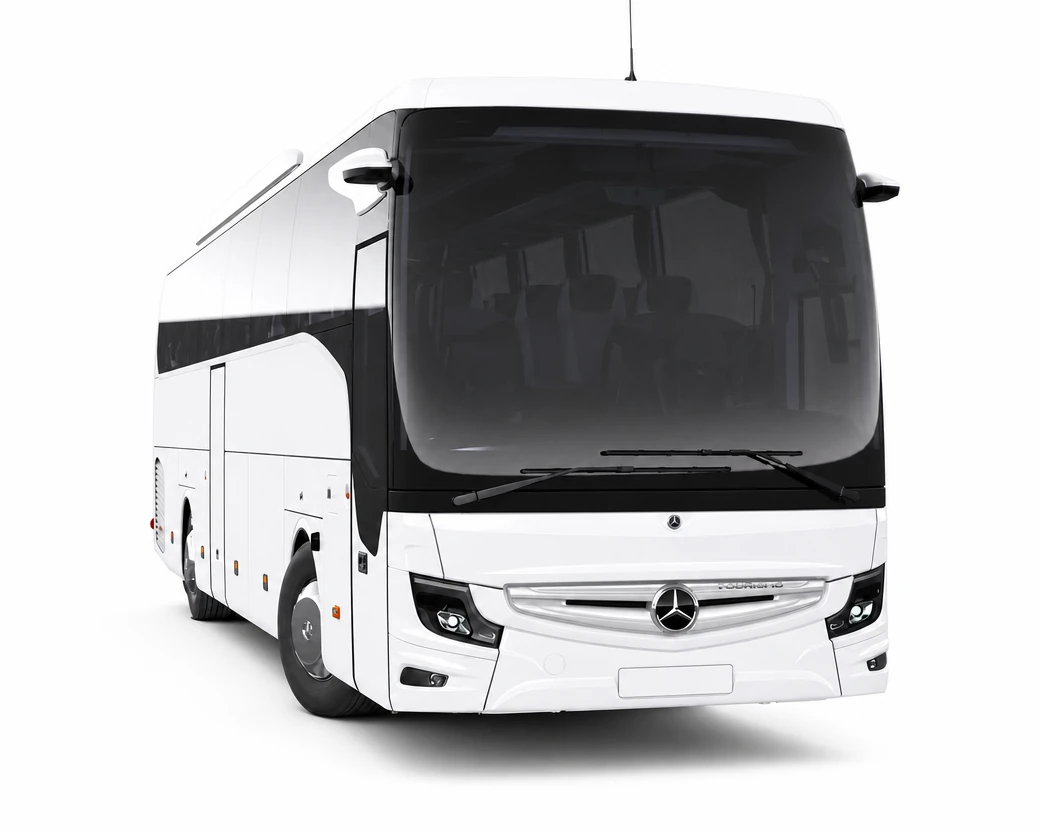
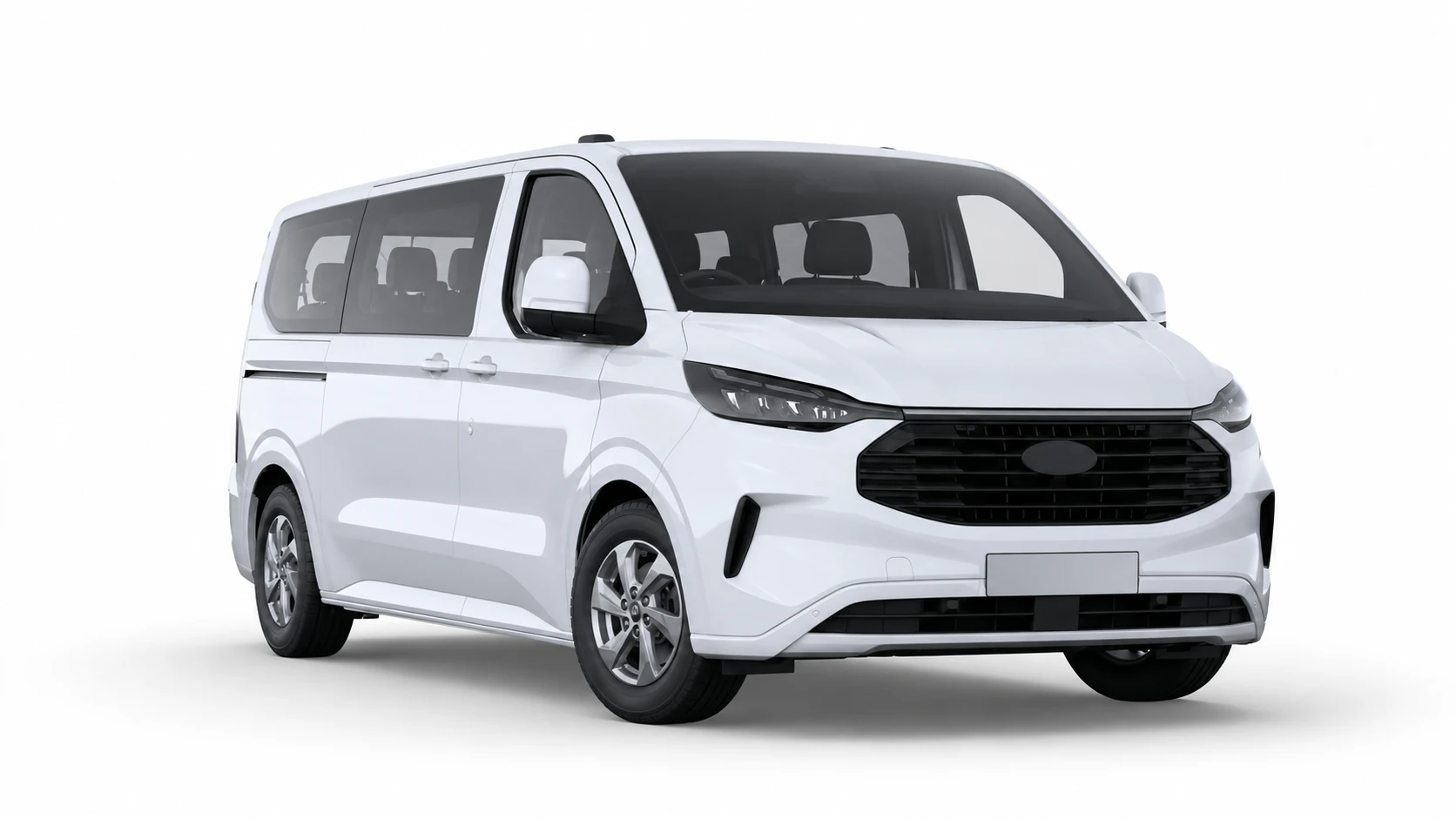
See live vehicle locations and status across your operation. Fast searches, flexible filters and vehicle groups help your team find the right vehicle and follow its progress.
When a service is delayed or plans change, get the information to respond without repeatedly calling the driver.
Look back through journey history to check routes, stops and arrival and departure times. Establish when a vehicle attended a school, pickup point or destination, and understand where delays occurred.
Set up geofences around depots, schools, venues and other locations. Arrival and departure alerts help your traffic office follow progress without continually watching the map.
Customers and coordinating teams may need visibility of the services you run for them. API integrations let you share roadstream location data with the systems they use, helping keep people informed without another phone call.
We can also explore bringing information from compatible existing tracking systems into roadstream, giving your traffic office a more complete view of a mixed fleet.
Illustrative connection. Compatibility and integration scope agreed around your systems.
Your booking and duty systems describe the plan. roadstream shows vehicle activity on the road.
Our in-house software team can help connect the two, bringing actual departures, arrivals and time on site into the reports and workflows your operation needs.
Can a driver complete another journey before running out of hours? See driving time and remaining hours on screen alongside vehicle activity.
Help your traffic office allocate work, plan relief and respond when delays affect the day.
Download tachograph data remotely, reducing the need to bring vehicles back to base for manual collection.
Vehicles change hands between school contracts, private hire, tours and relief duties. Use tachograph card identification to connect journeys and driving events to the driver responsible.
Other Driver ID options are available for minibuses, support vehicles and cars without a tachograph.
A coach, bus and private-hire vehicle need different checks. Management can create vehicle-specific walk-around forms with simple drag-and-drop tools, choose what needs checking and set the order drivers complete them in the roadstream app.
Optional AI cameras can flag handheld phone use, signs of tiredness and distraction, giving your team the opportunity to review and address concerns early. In-cab warnings help drivers respond in the moment.
Review relevant footage to understand the circumstances and support a focused conversation with the driver.
Explore AI video insightsCamera AI can also identify smoking and a seatbelt not being worn. Configure detection thresholds and warning settings around your requirements, helping reduce unnecessary alerts.
A near miss, boarding incident or concern on the journey may need attention even when no automated alert is triggered. A driver event button lets the driver mark an event for later review.
A driving complaint, disputed incident or concern during boarding may need more than a location on a map.
Use the vehicle’s journey, time and location to find relevant footage from the road, passenger area or other fitted cameras. Share a link with the people who need to see the evidence.
Open live video when your team needs a clearer picture of a situation. For a quick glance through the windscreen, request a snapshot through the vehicle’s map tooltip without opening a live stream.
A passenger may report something without knowing exactly when it happened. Review a condensed time-lapse of the journey, identify the relevant moment, then request a short clip to examine in detail and share.
Choose camera views around the vehicle, entrance and passenger areas to suit the work you do. A coach, double-decker bus and smaller home-to-school vehicle may each need a different arrangement.
Combine forward-facing, driver-facing, saloon, entrance, side and rear views as appropriate. In-cab monitors help drivers see around the vehicle, while connected video gives the office access to relevant footage.
123456Illustrative positions only. Select the views appropriate to your vehicle and service; not every vehicle needs every camera.
Add a connected dashcam alongside your existing system, or upgrade to a roadstream connected DVR while retaining compatible cameras and wiring. We’ll help you choose the right approach for your vehicles.
Optional privacy mode disables live streaming and video downloads from the driver-facing camera when drivers are on a break. Other camera views remain available.
Scheduled checks retrieve snapshots from stored footage, testing the path from recording to retrieval. AI compares each camera’s view with the previous day to identify material changes, such as an obscured view, a shifted camera or a lens that needs cleaning.
Spot issues that a device reporting “online” might not reveal, before you need the footage.
Your team is allocating vehicles, arranging relief and responding to changes. When an incident or complaint comes in, finding the footage becomes another priority.
The roadstream platform gives you the tools to find, download and share video yourself. But when you need help, call us. We’ll help find the relevant footage and send you a shareable link, leaving your team to keep services running.
Our concierge service is available to all customers for occasional requests.
Tell us which behaviours or situations need attention. Our enhanced concierge service combines server-side AI with human-in-the-loop review to look for relevant events in captured footage.
Human checks add context and reduce noise, helping your team focus on actionable findings, with commentary where useful. Your management team decides what action to take.
Available as an additional paid service, with scope agreed around your requirements.
Read about our concierge servicesWhen your work involves children or vulnerable adults, how passenger information and footage are handled matters.
The roadstream platform is developed and hosted in the UK. We provide a Data Processing Agreement (DPA) setting out our responsibilities for handling personal data on your behalf.